
Fraud Prevention
Configure the fraud checks, thresholds, and alert rules that protect commissions and payout workflows.
Before you start
- Decide how strict you want fraud checks to be before partners begin scaling activity.
Where to find it
Merchant sidebar → Settings → Fraud Prevention
Steps
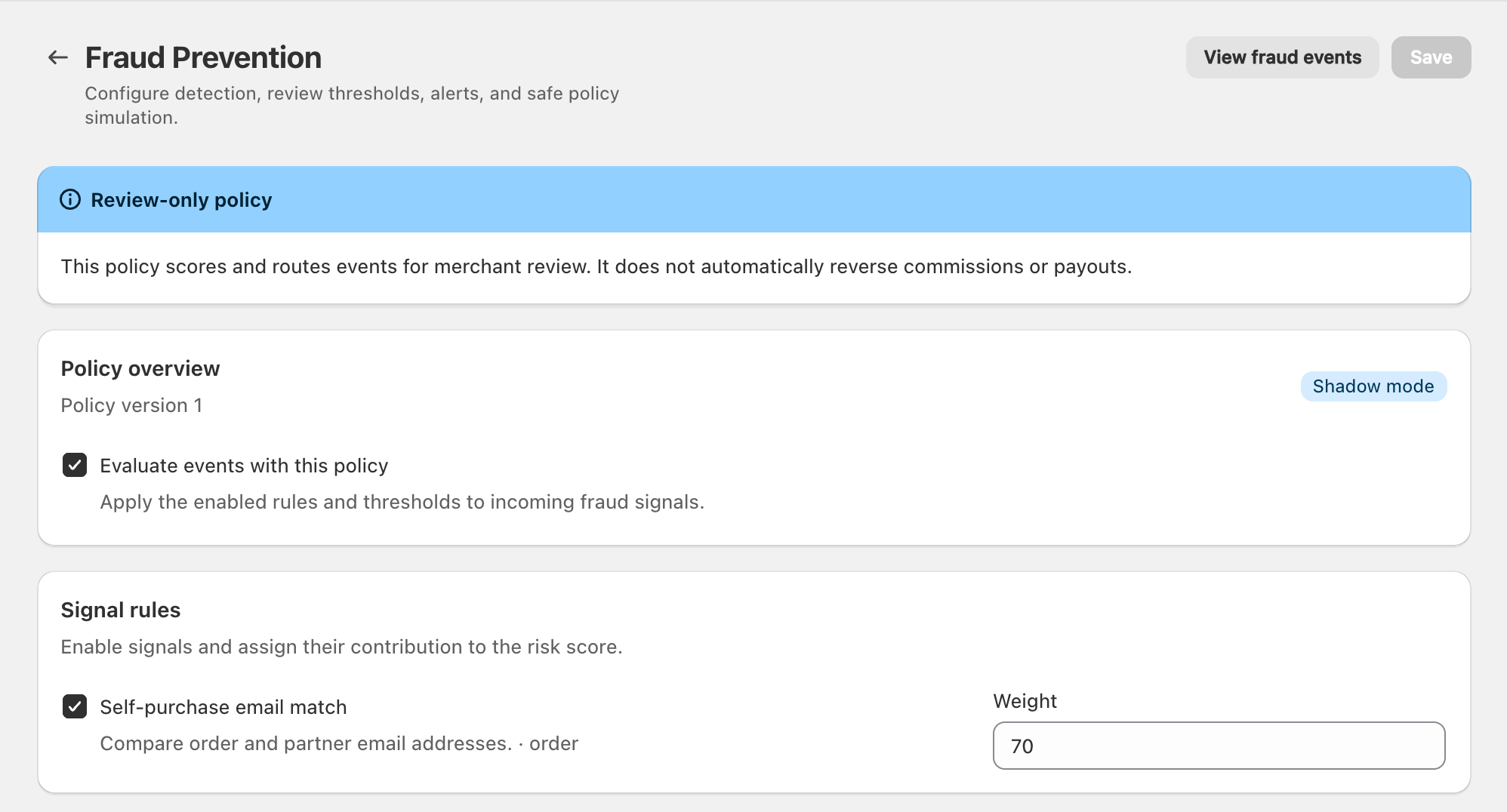
View full-size image: Fraud policy overview and signals
Step 1.
Open Settings → Fraud Prevention.
Step 2.
Turn fraud protection on if you want the system checks to run.
Step 3.
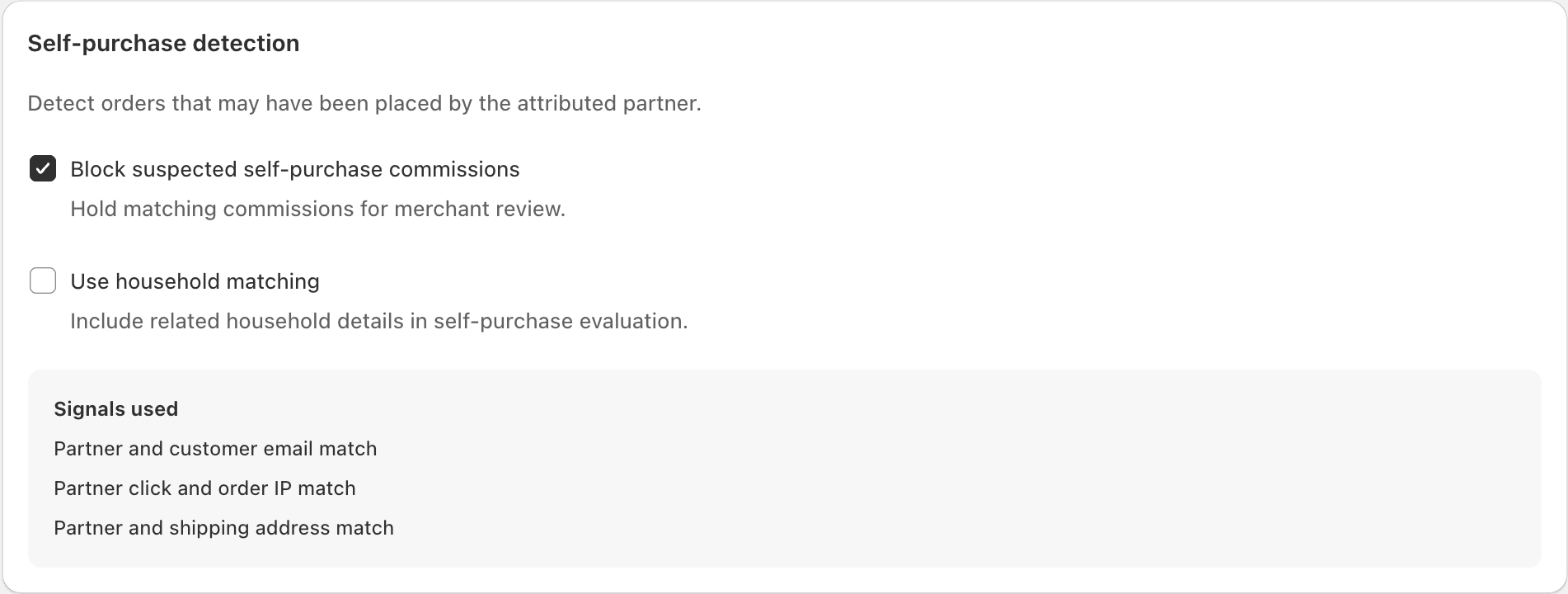
Review the self-purchase and same-household controls.
Step 4.
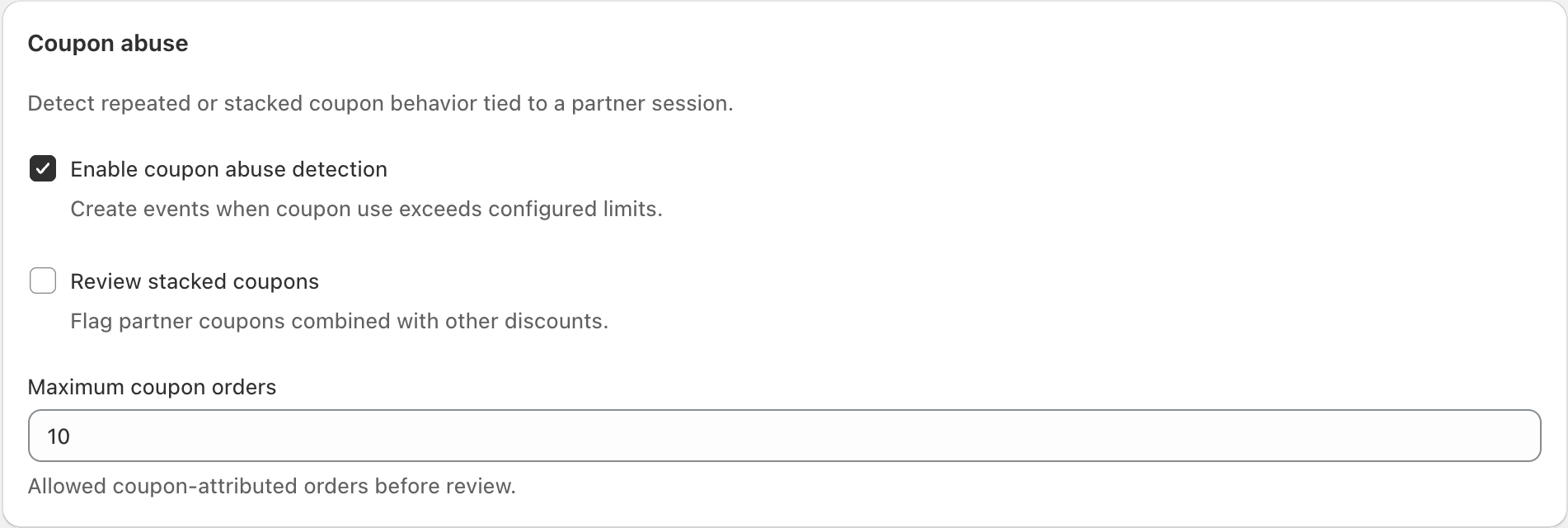
Review coupon-stuffing and stacked-discount behavior.
Step 5.
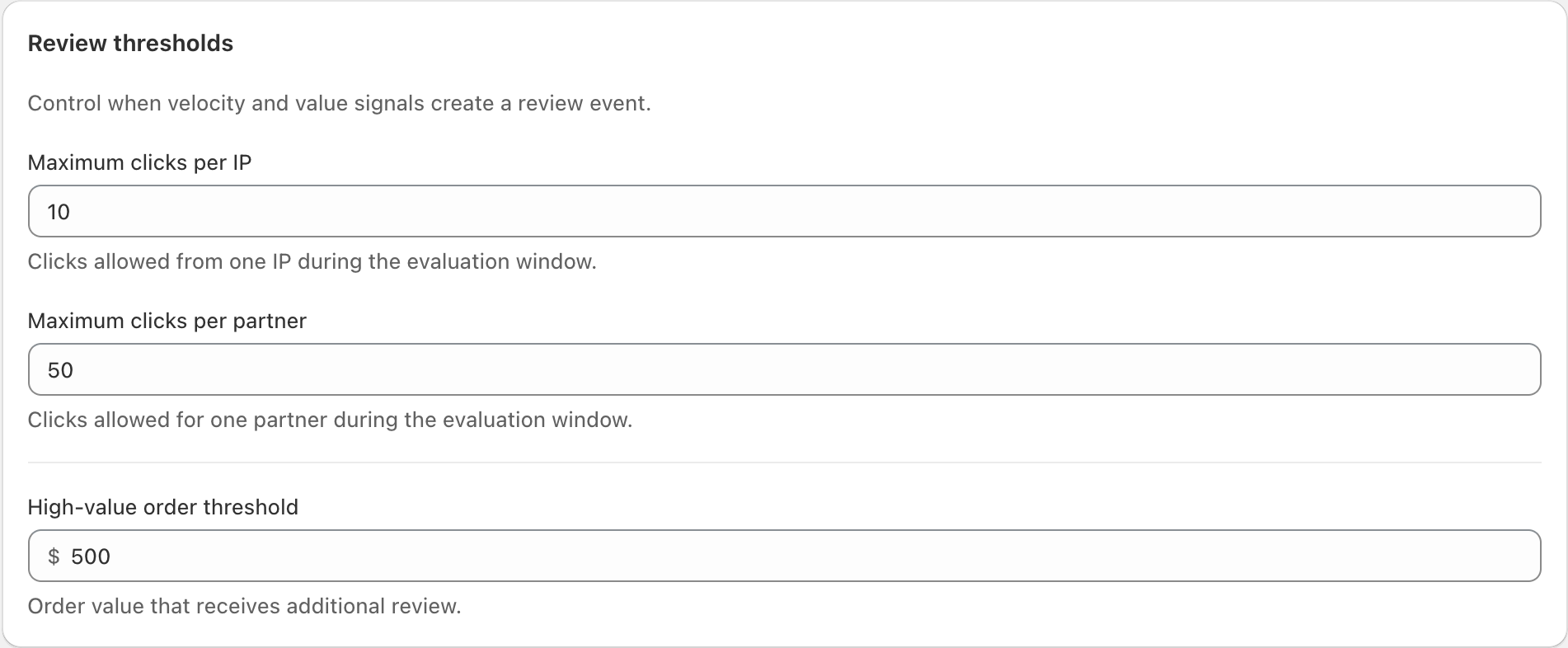
Set the daily and high-value thresholds that match your program.
Step 6.
Confirm the fraud alert email if you want suspicious activity notifications sent to a specific inbox.
View full-size image: Self-purchase review controls
View full-size image: Coupon review controls
View full-size image: Daily and high-value thresholds
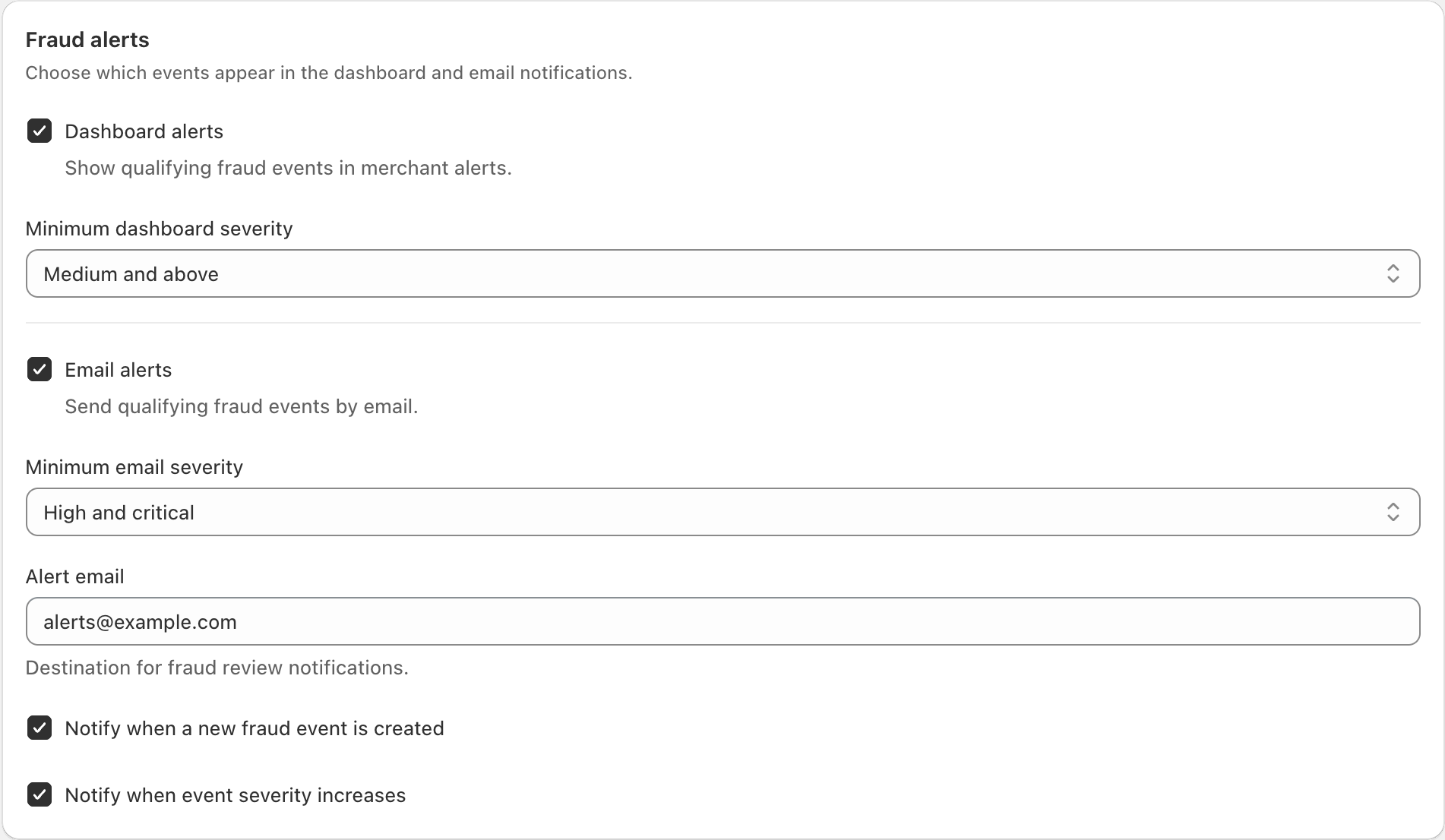
View full-size image: Fraud alert delivery
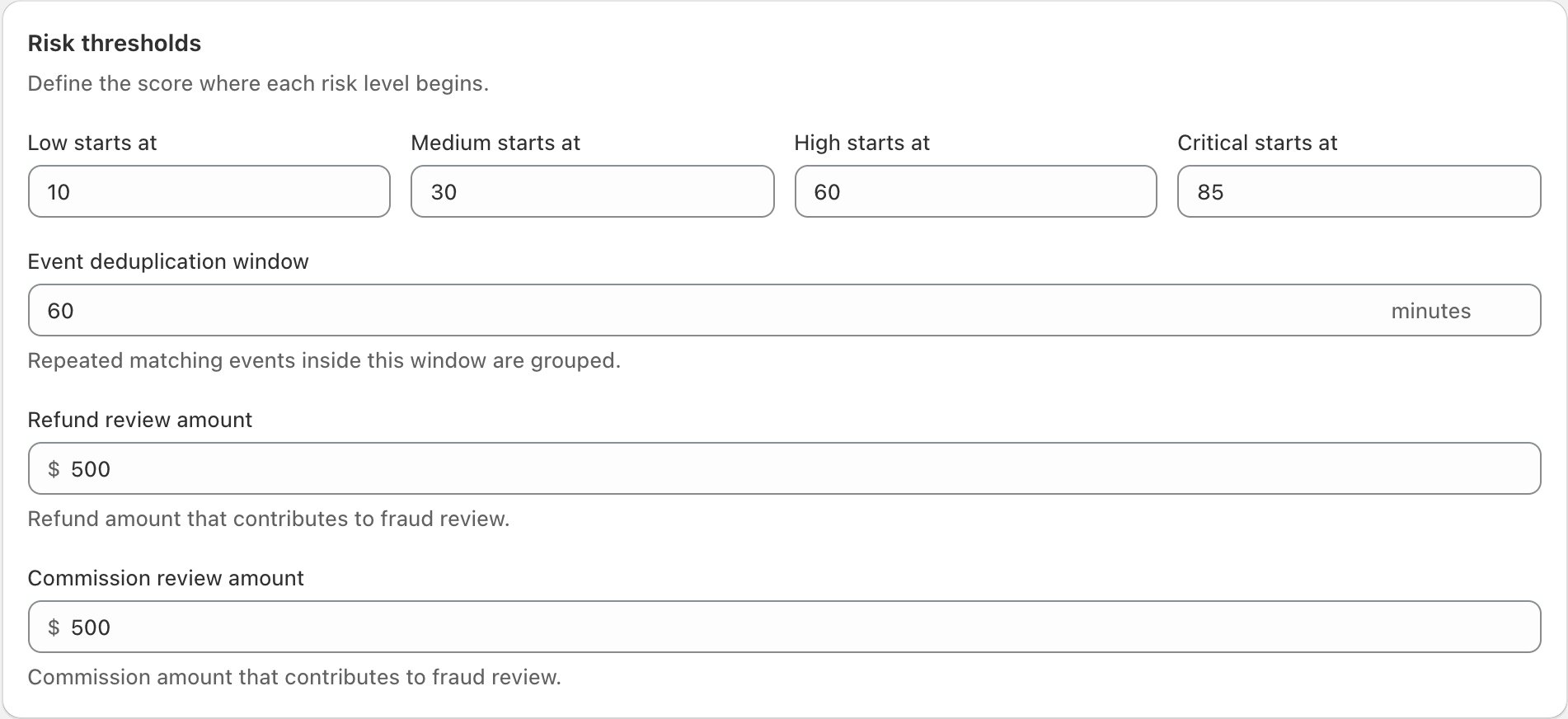
View full-size image: Policy risk thresholds
Settings explained
- Enable fraud prevention turns the review system on or off.
- Block self-purchase commissions stops partners from earning on their own purchases.
- Block same-household purchases helps catch activity tied to the same home or network.
- Coupon stuffing detection flags unusual discount patterns.
- Stacked discount rule tells the system when combined discounts are intentional.
- Threshold fields decide when behavior should be flagged.
- Fraud alert email controls where notifications should go.
Example
A merchant enables fraud prevention, blocks self-purchase commissions, keeps stacked discounts disabled, lowers the high-value review threshold before a seasonal promotion, and sends alerts to the operations inbox.
Tips and limits
- Review fraud settings before major promotions, not only after alerts appear.
- Lower thresholds create more review work, so tune them carefully.
- If alerts feel noisy, adjust the thresholds instead of disabling the whole page immediately.