
Introduction
Learn what Affilyn does and which guide to open first if you are visiting a storefront, running a merchant program, or working as a partner.
Go here if...
When to use this page
- You are opening the docs for the first time and need to find the right path quickly.
- You are not sure whether to start with visitor, merchant, standard affiliate, or VIP partner help.
Before you start
- Know whether you are using Affilyn as a visitor, merchant, Standard Affiliate, or VIP Partner.
Top tasks
Success looks like
- You can identify your role and open the next section without guessing.
- You understand that this site focuses on product workflows rather than technical implementation.
Where to find it
Documentation home
Steps
Step 1
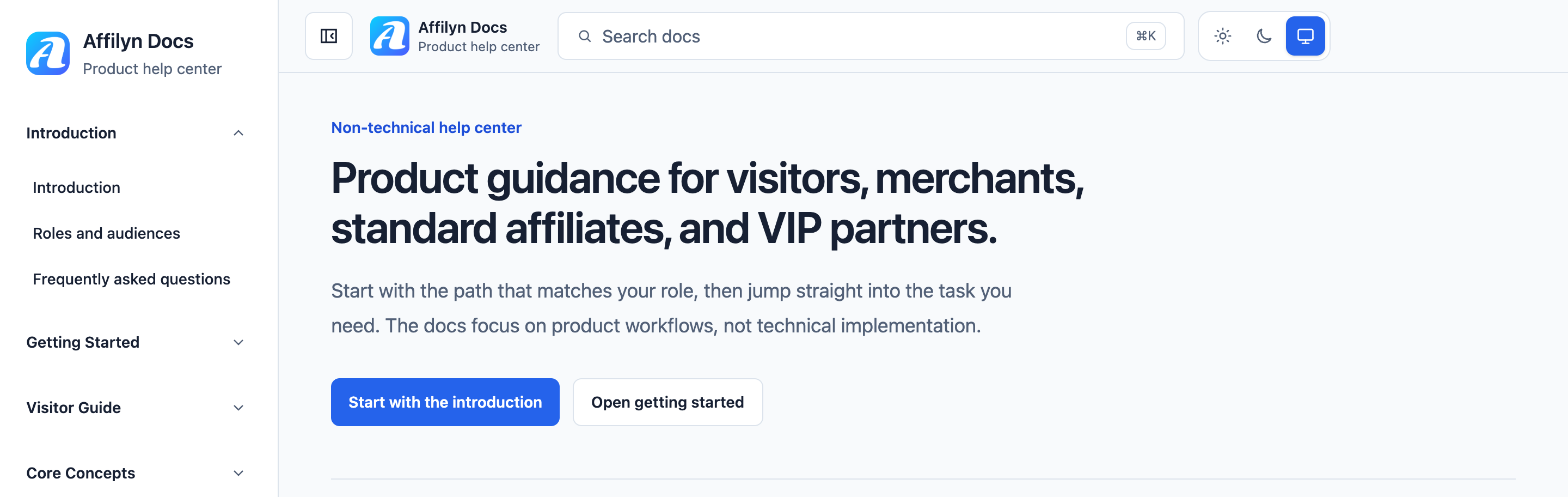
Start on the documentation home page and use the sidebar and search bar to understand the main entry points before opening a guide.
View full-size image: Documentation home overview
Step 2
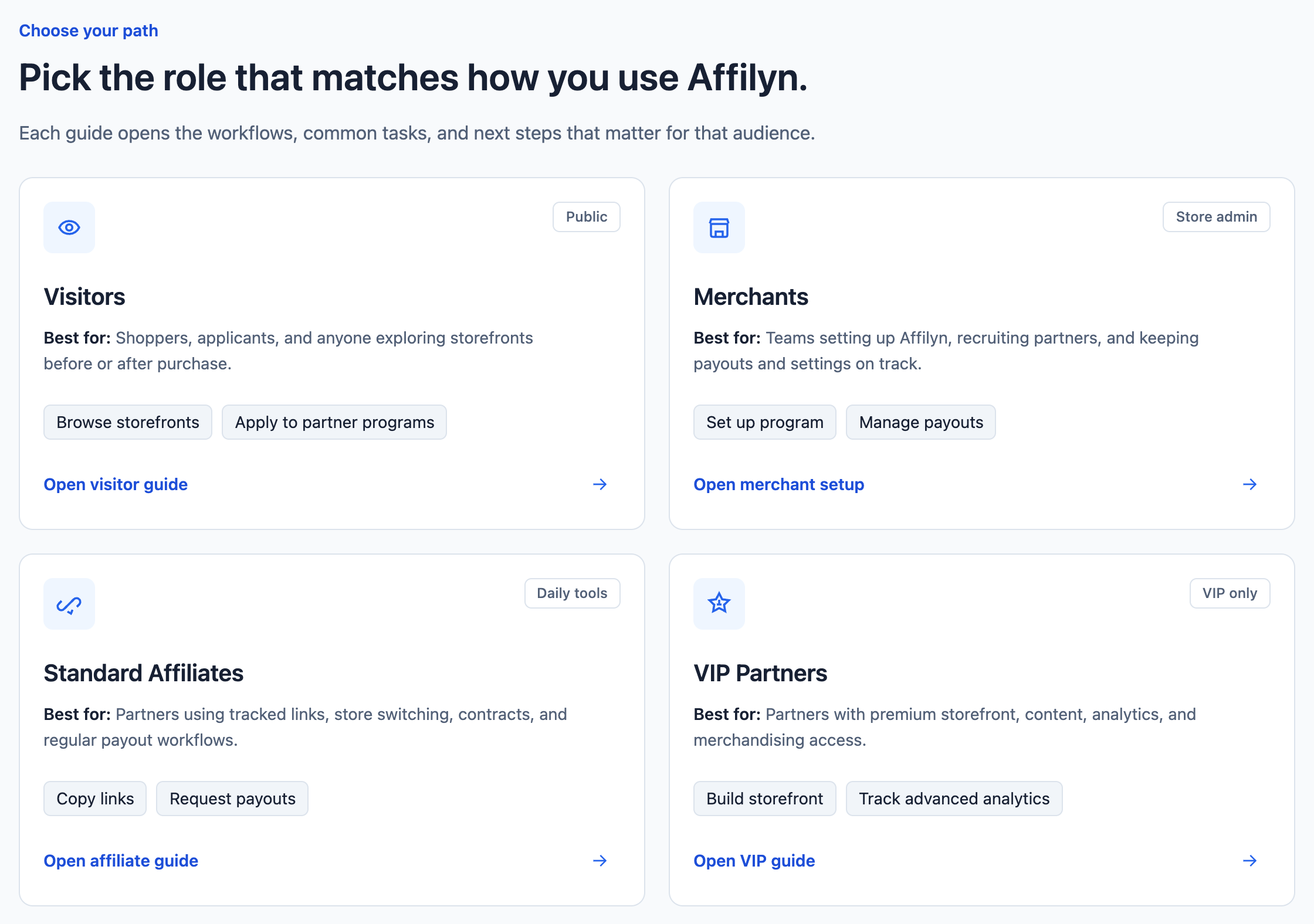
Use Choose your path to open the guide that matches how you use Affilyn. Visitors, merchants, Standard Affiliates, and VIP Partners each have a dedicated guide.
View full-size image: Choose your path
Step 3
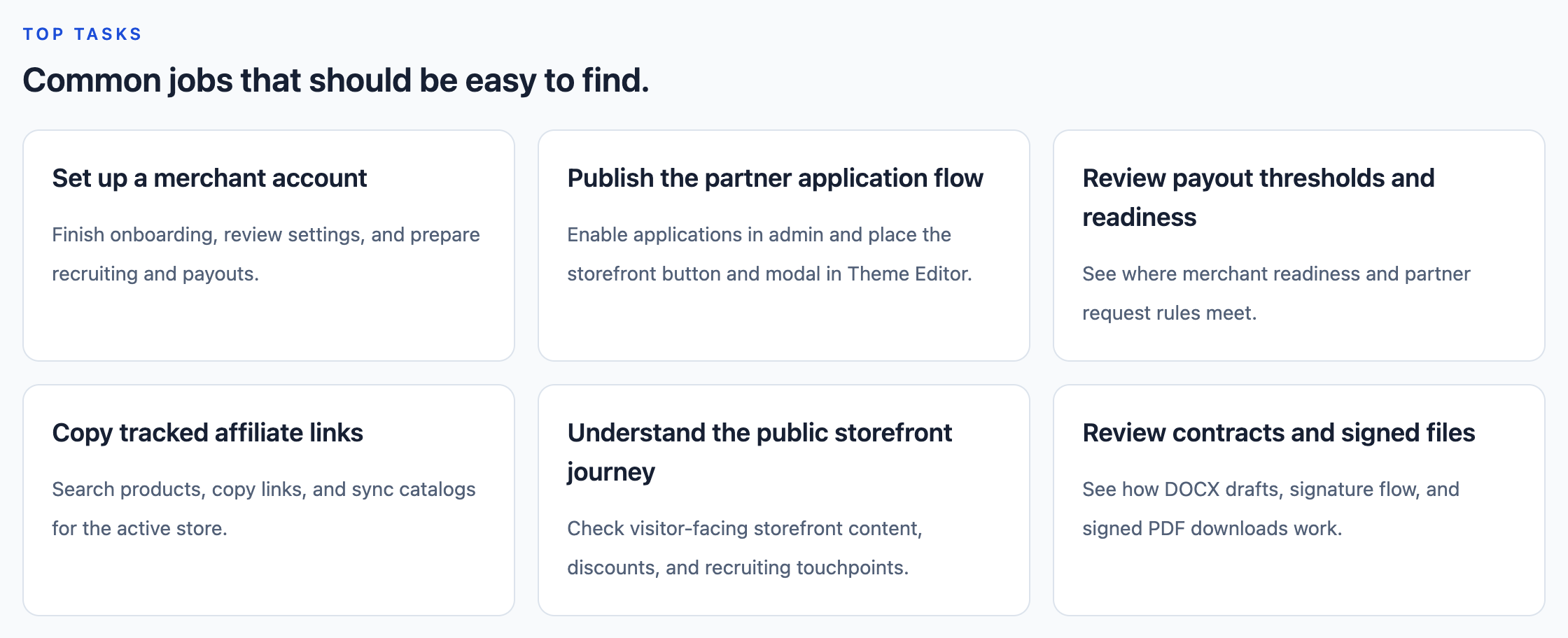
Use Top tasks to jump to merchant setup, the partner application flow, payout readiness, affiliate links, the public storefront journey, or contracts.
View full-size image: Top tasks shortcuts
Step 4
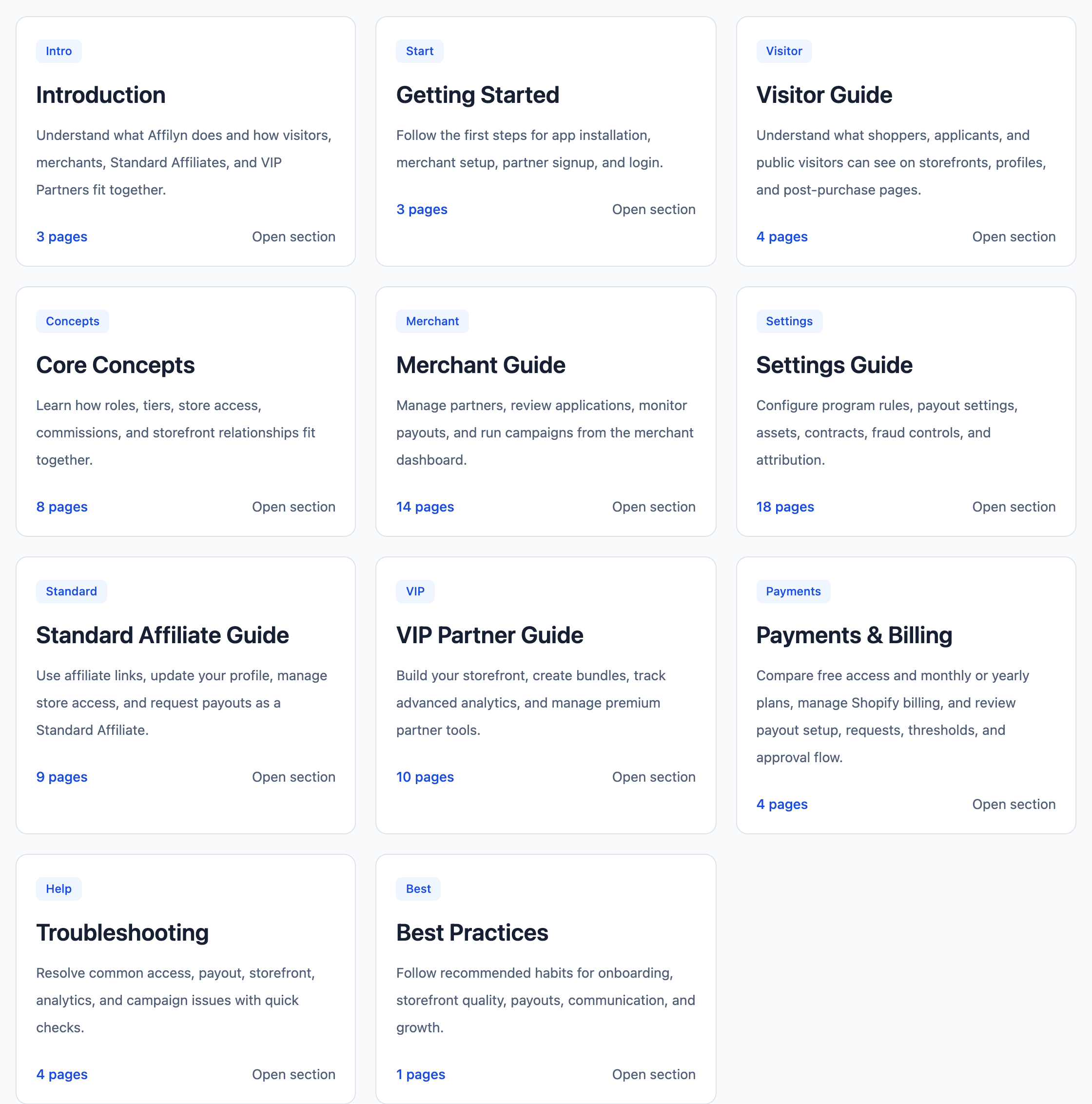
Scroll further down to open the full guide sections such as Introduction, Getting Started, Visitor Guide, Merchant Guide, and Payments & Billing.
View full-size image: Guide section cards
Step 5
Use Troubleshooting when something is not working as expected or when you need quick checks before asking someone else for help.
Settings explained
- The documentation is split by audience so non-technical users can avoid pages that do not apply to them.
- Each page includes the exact UI path when the action happens inside Affilyn.
- Video and screenshot sections appear only when a page has attached media.
Example
A merchant who is onboarding a new program would start with Getting Started, move into Settings Guide, and then use Merchant Guide for partner applications, payouts, analytics, and campaigns. A visitor who wants to understand storefronts or apply as a partner would start with Visitor Guide instead.
Tips and limits
- Affilyn has separate visitor, merchant, Standard Affiliate, and VIP Partner experiences. Always follow the guide that matches what you can currently access.
- Some features are tier-based. A Standard Affiliate will not see every VIP Partner tool.
- This documentation focuses only on the steps regular users need inside the product.