
Core concepts
Learn the shared ideas behind navigation, partner access, tiers, affiliations, commissions, and storefront behavior.
Before you start
- Read the introduction and know your role.
Where to find it
Main navigation → Core Concepts
Steps
Step 1
Review how your navigation changes by role.
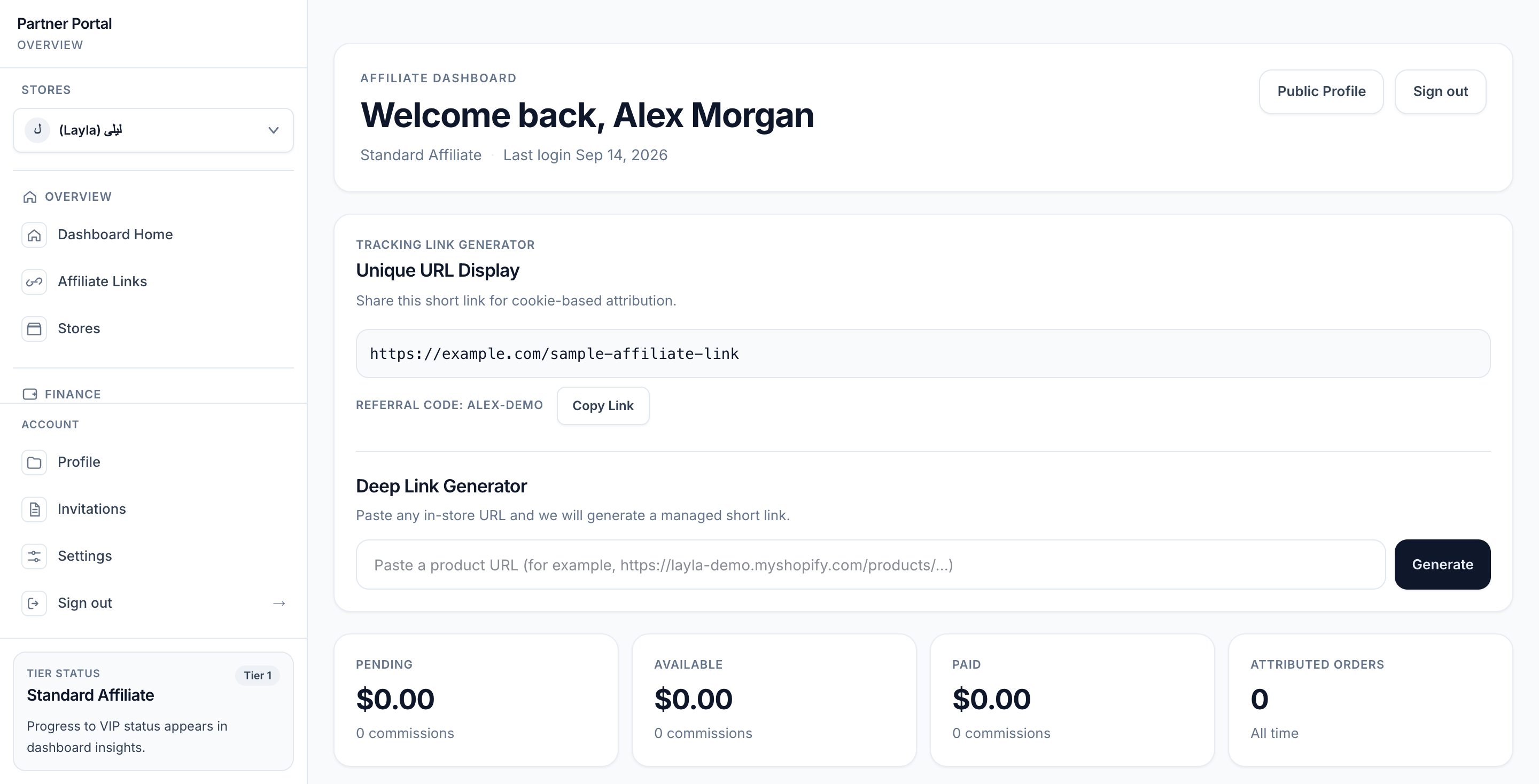
View full-size image: Standard Affiliate dashboard
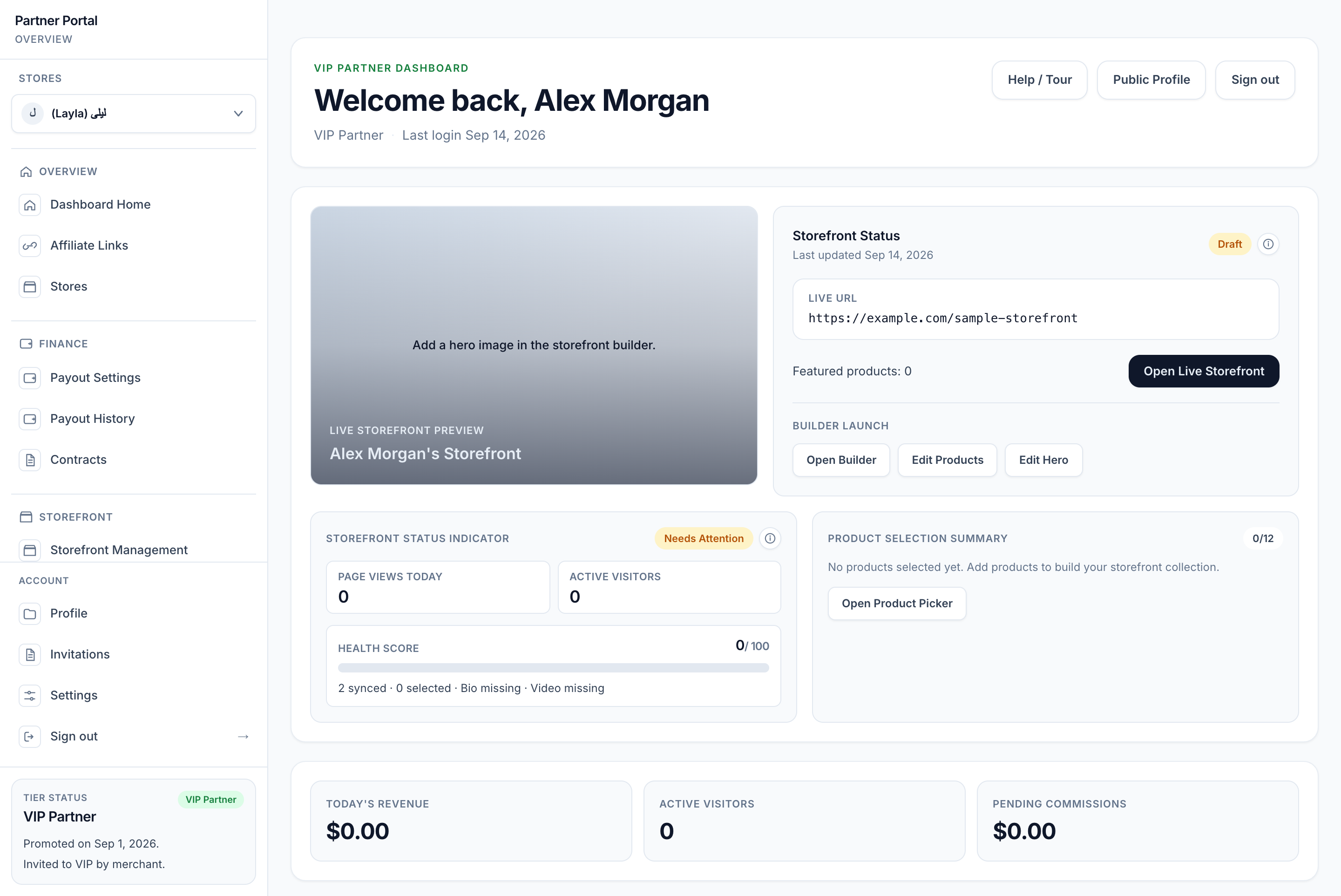
View full-size image: VIP dashboard and draft readiness
Step 2
Start with Standard Affiliate, VIP Partner, and Storefront for the complete relationship between tiers, access, promotion, and the shopper-facing experience.
Step 3
Understand the difference between Store affiliations and tier access and Store context and switching.
Step 4
Review Public partner profile and Public storefront experience when you need the shopper-facing view.
Step 5
Learn how storefront behavior, partner access, and commission logic connect together in Store affiliations and tier access and Attribution settings.
Step 6
Use Glossary and common statuses when a product term or status label is unclear.
Settings explained
- Navigation is role-aware, so not every user sees the same menus.
- Affiliation decides which stores a partner can access.
- Tier decides which features are available inside that store relationship.
Example
A VIP Partner can have one store set as their default, another store still active, and a different tier level in each store relationship if the merchant configured it that way.
Tips and limits
- A partner profile and a store affiliation are related, but they are not the same thing.
- Storefront access, analytics access, and VIP tools depend on tiered feature availability.