
VIP PartnerGuide
VIP onboarding
Use the VIP welcome flow to understand the premium tools available in the current store before you begin editing the storefront.
Last reviewed: Sep 14, 2026UI path: Partner dashboard → active VIP store → VIP welcome flow
Before you start
- Have VIP Partner access in the current store.
Where to find it
Partner dashboard → active VIP store → VIP welcome flow
Steps
ScreenshotVIP welcome flow
Local image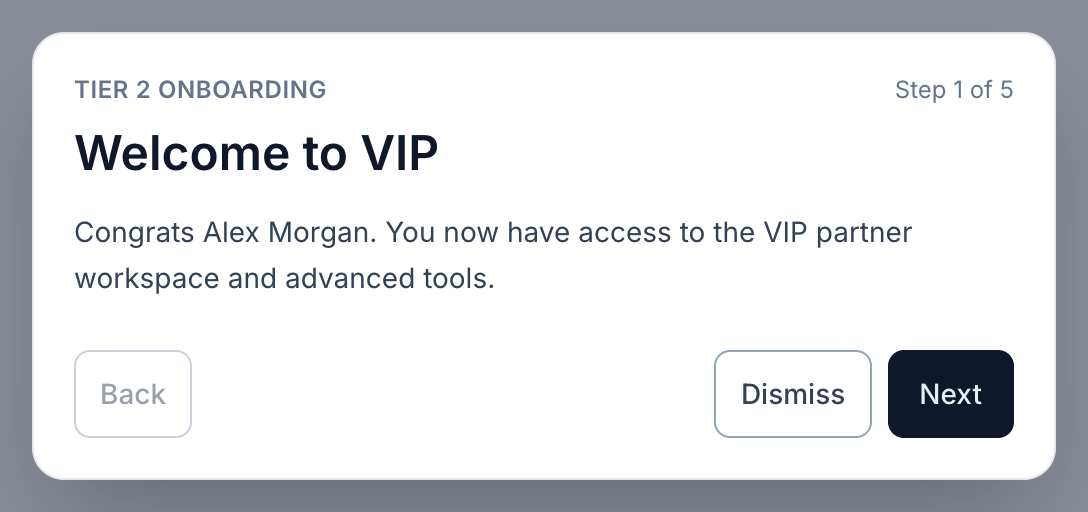
View full-size image: VIP welcome dialog
- Open the VIP welcome flow when it appears after VIP access is granted.
- Review the new storefront, bundle, analytics, and premium asset tools introduced in the flow.
- Confirm that the store selector is set to the store that granted VIP access.
- Start with the storefront pages first, then move into analytics, bundles, and premium content tools.
Settings explained
- VIP welcome flow appears when the dashboard changes into the VIP experience.
- Store-specific access means VIP tools appear only in the stores that grant VIP status.
- Premium tools include Storefront Management, Bundle Manager, Advanced Analytics, Discount Visibility, Press Kit, UGC Rights, and Gifting Status when those features are enabled for the store.
Example
A partner is promoted to VIP for one store, sees the welcome flow on the next login, reviews the new toolset, and then begins by setting up storefront content before touching analytics or bundles.
Tips and limits
- Finish the welcome flow before assuming every new tool belongs to every store.
- If the VIP tools disappear later, check the active store context first.
- Start with storefront setup so the shopper-facing experience is ready before traffic increases.