
Partner signup and login
Create a general partner profile, apply to a specific store, and sign in with the partner login flow.
Before you start
- Use the email address you want connected to your partner profile.
Where to find it
Open a storefront Apply as a Partner button if you are applying to one store, or open the Partner sign-up page if you want a general profile.
Steps
Step 1
If a merchant has published Apply as a Partner on their storefront, use that button to submit a store-specific application to that merchant.
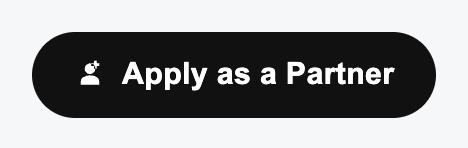
View full-size image: Apply as a Partner button
Step 2
If you want a broader partner profile that merchants can invite later, open the general partner sign-up form instead.
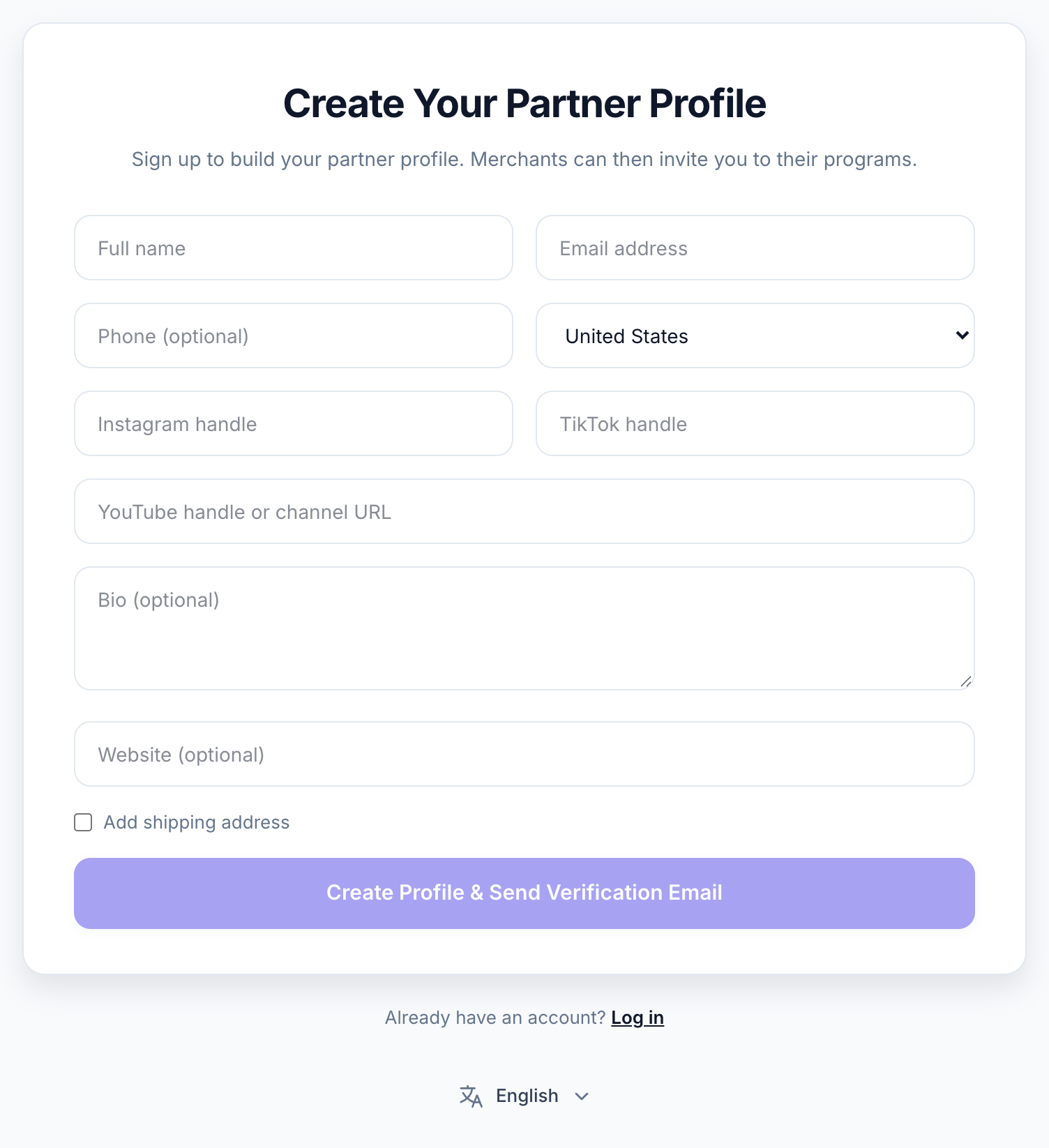
View full-size image: Partner signup and language control
Step 3
Use the same email address for either path if you want your future access to stay tied to one partner identity.
Step 4
When you are ready to sign in, open the login page and enter that same email address.
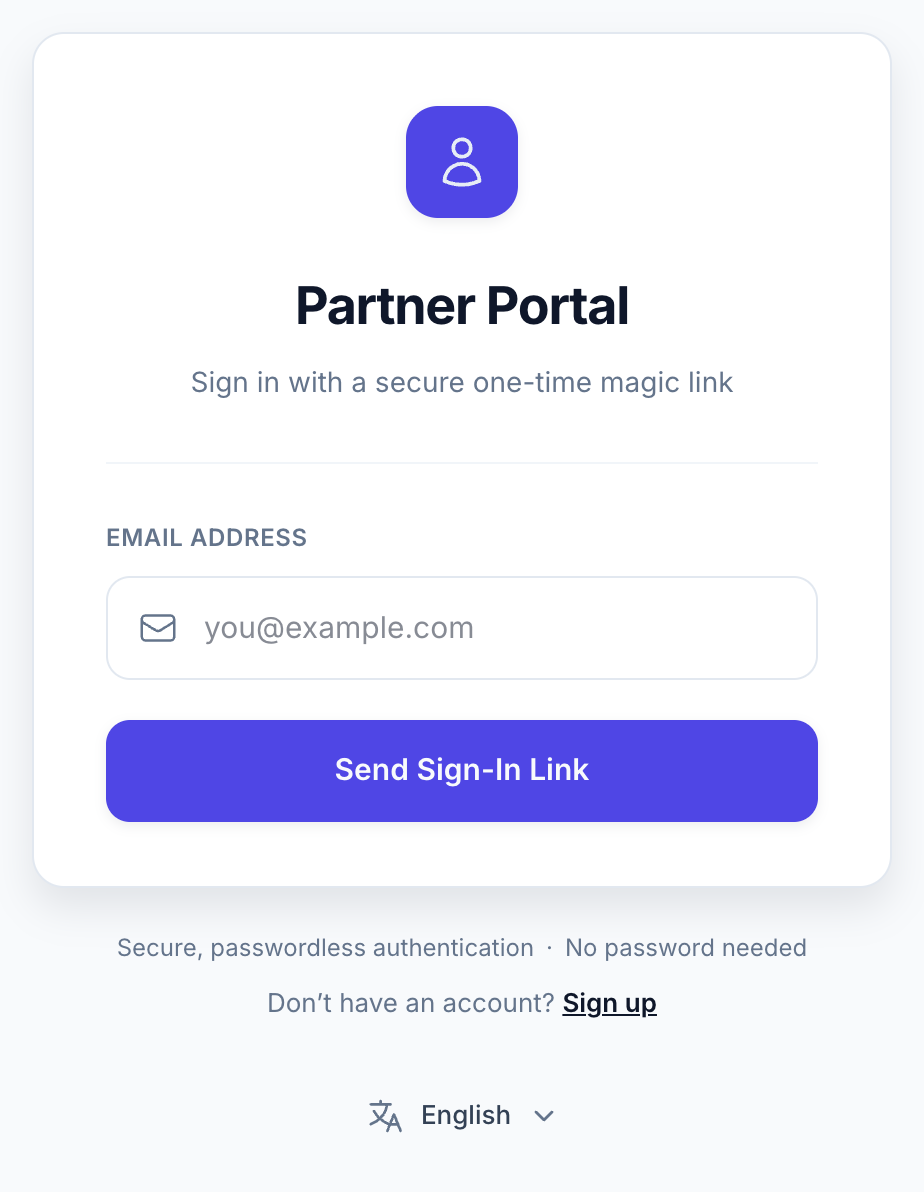
View full-size image: Partner login and language control
Step 5
Open the magic link sent to your inbox to enter the partner dashboard.
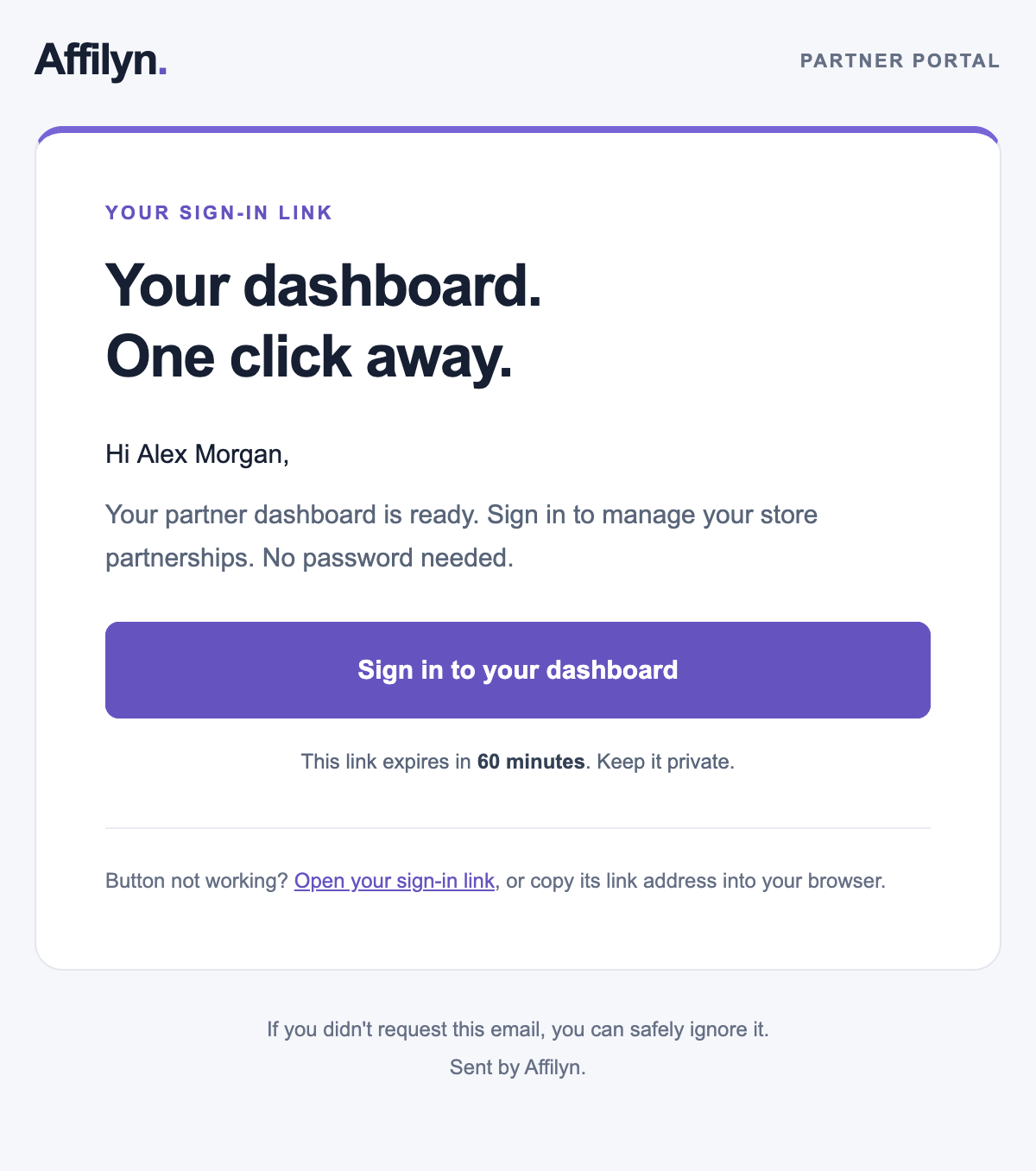
View full-size image: Sign-in email example
Settings explained
- A storefront Apply as a Partner submission is store-specific and goes into that merchant's Pending Requests queue.
- The general partner sign-up form creates a broader partner profile that merchants can later invite or approve into programs.
- Login uses a one-time email link instead of a password.
- Your final dashboard view depends on which stores approve or invite you and whether you are a Standard Affiliate or VIP Partner.
Example
A creator first clicks Apply as a Partner on one merchant storefront, then later completes the general partner sign-up flow with the same email so other merchants can invite them without creating a second profile.
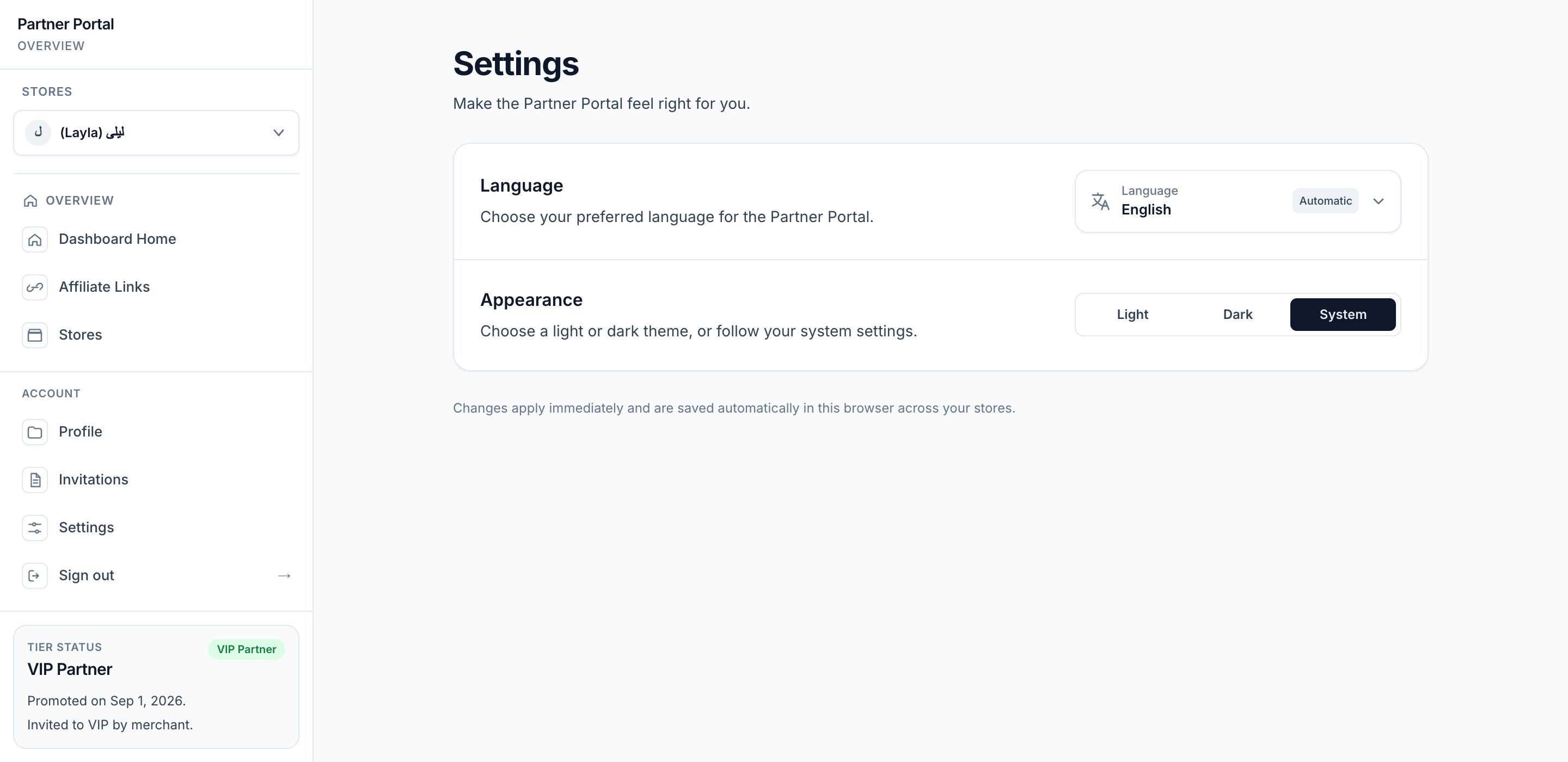
View full-size image: Partner language and appearance Settings
Tips and limits
- Always use the same email for signup, application, and login to avoid duplicate profiles.
- If a merchant tells you to apply through their storefront, use the store button instead of assuming the generic sign-up form will place you in that program automatically.
- If a storefront shows the application button but rejects submission, the merchant may have closed applications even though the theme block is still visible.
Choose your language
Use the compact language selector below the login or signup form to choose English, العربية, or Follow browser/system language. After signing in, open Account → Settings to manage language and appearance. See Language and appearance.