Roles and audiences
Understand the difference between visitors, merchants, Standard Affiliates, and VIP Partners before you start using the product.
When to use this page
- You are unsure which guide matches your access level.
- You need to distinguish public storefront visitors from logged-in partner users.
Before you start
- Know which account or invitation you received.
Success looks like
- You can tell whether you should follow visitor, merchant, standard affiliate, or VIP partner help.
- You understand that store context and tier can change what a partner sees.
Where to find it
Documentation home → Introduction → Roles and audiences
Steps
Step 1
If you are browsing a public storefront, applying through the storefront, or checking what shoppers see, you are following the Visitor path.
Step 2
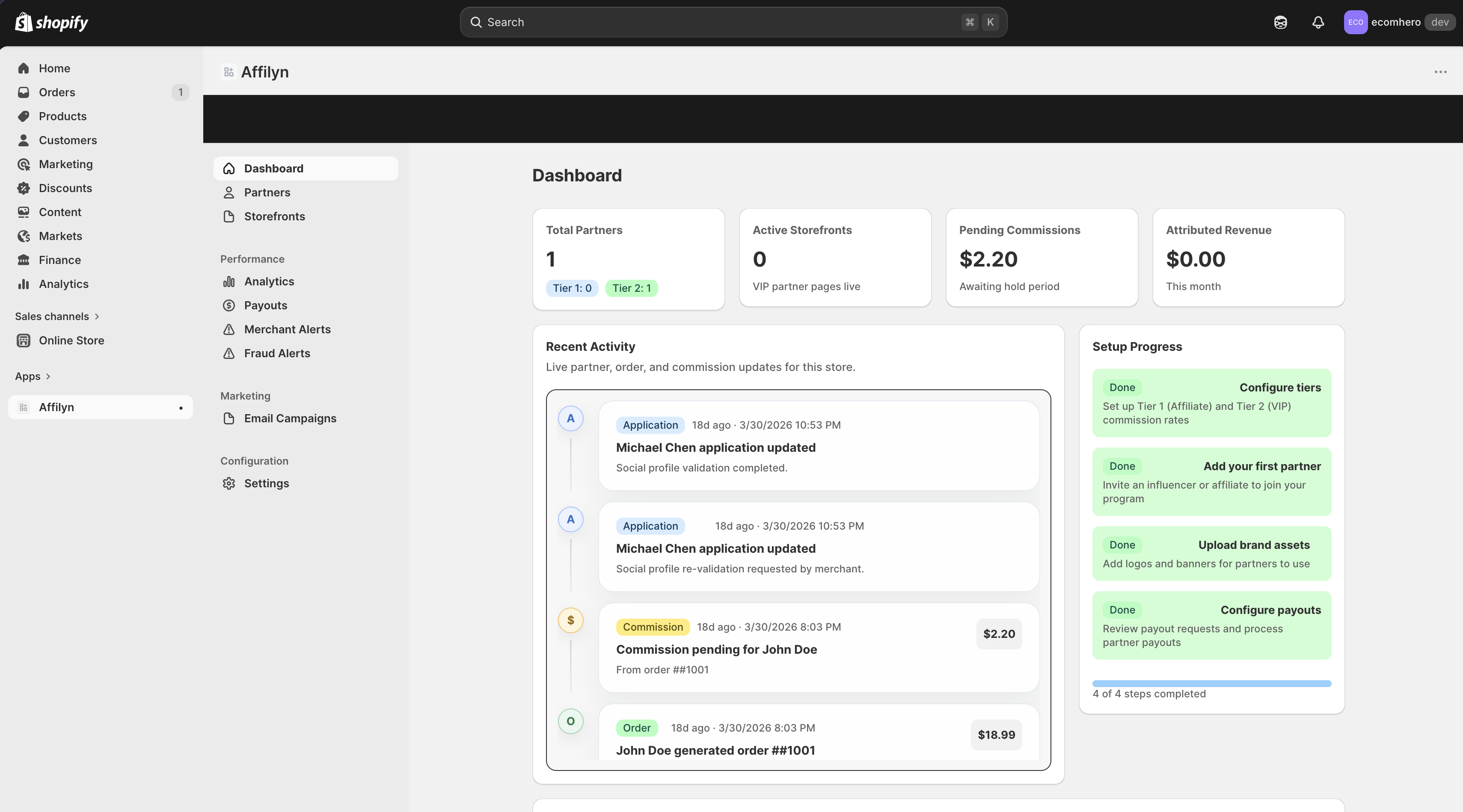
If you installed the app in Shopify and manage the program, you are a Merchant.
Step 3
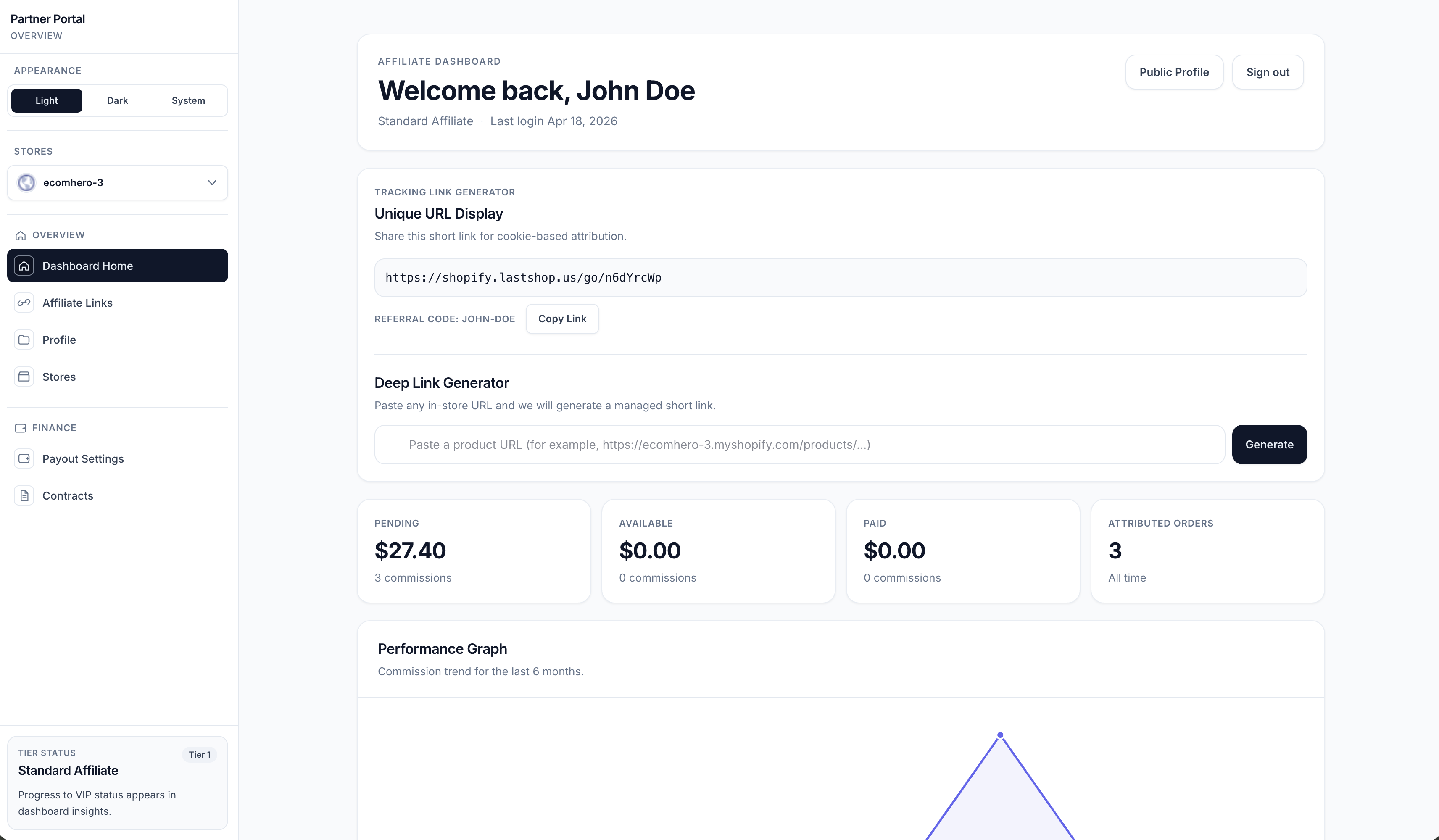
If you joined a store program to share links and earn commission, you are a Standard Affiliate.
Step 4
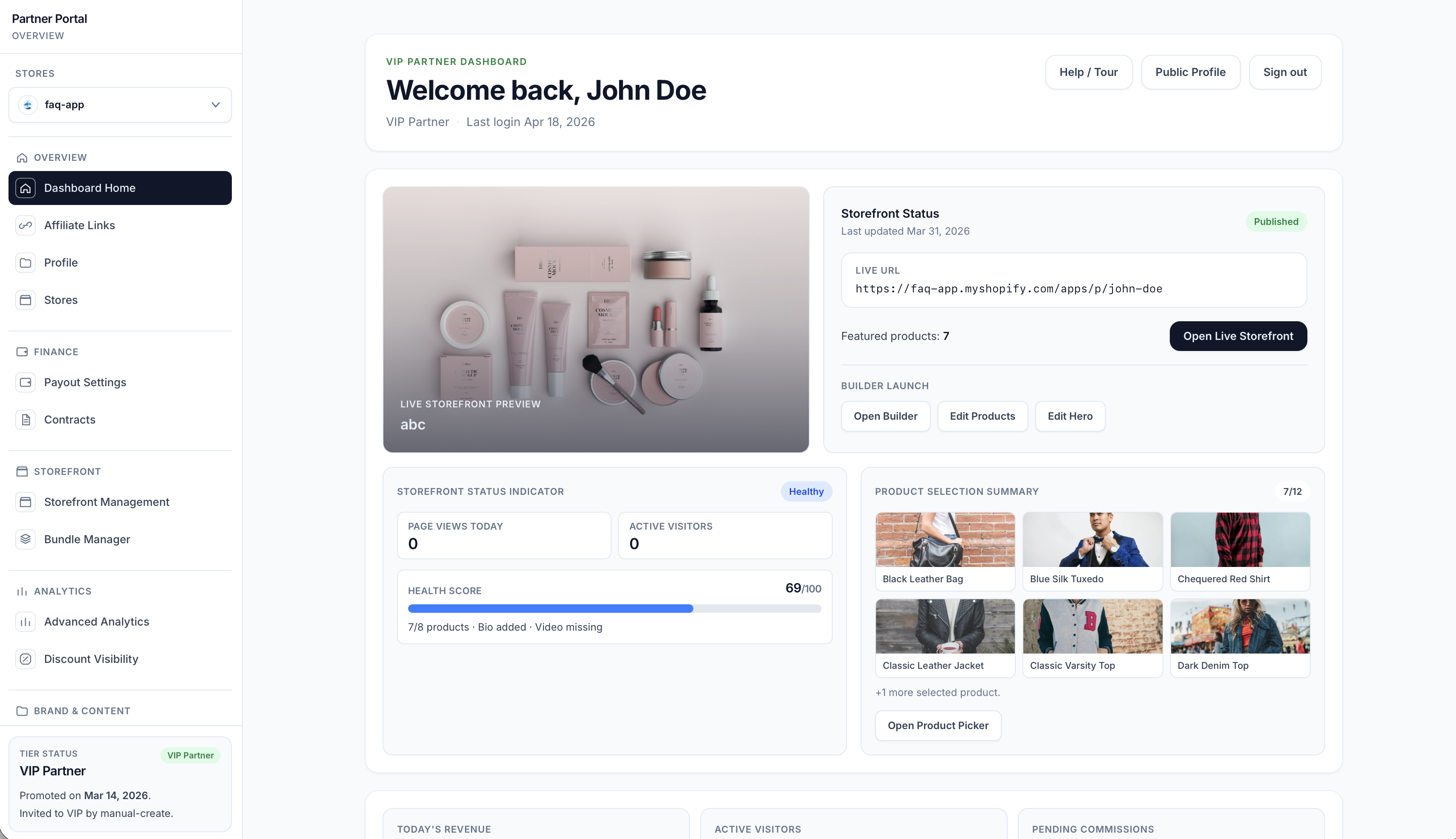
If you also manage a personal storefront with advanced tools, you are a VIP Partner.
Step 5
Use the sidebar section that matches your current experience for the most direct instructions.
Settings explained
- Visitors do not have dashboard access. They interact with public storefronts, public partner profiles, applications, discounts, and post-purchase messaging.
- Merchants manage recruitment, settings, payouts, analytics, alerts, and campaigns.
- Standard Affiliates manage links, profile details, stores, payouts, and contracts.
- VIP Partners inherit Standard Affiliate tools and also manage storefronts, bundles, advanced analytics, assets, rights, and gifting.
Example
A partner may start as a Standard Affiliate and later move into VIP Partner status after the merchant promotes them or their tier changes automatically based on program rules. A visitor may later become a partner if they apply successfully through the storefront.
Tips and limits
- A single person can be affiliated with more than one store.
- Your available menu items depend on your role and your tier.
- Visitors never see the private dashboard, even when public partner profiles are enabled.
- Public partner profiles are visible differently from the private dashboard.
- For the complete tier and storefront model, read Standard Affiliate, VIP Partner, and Storefront.